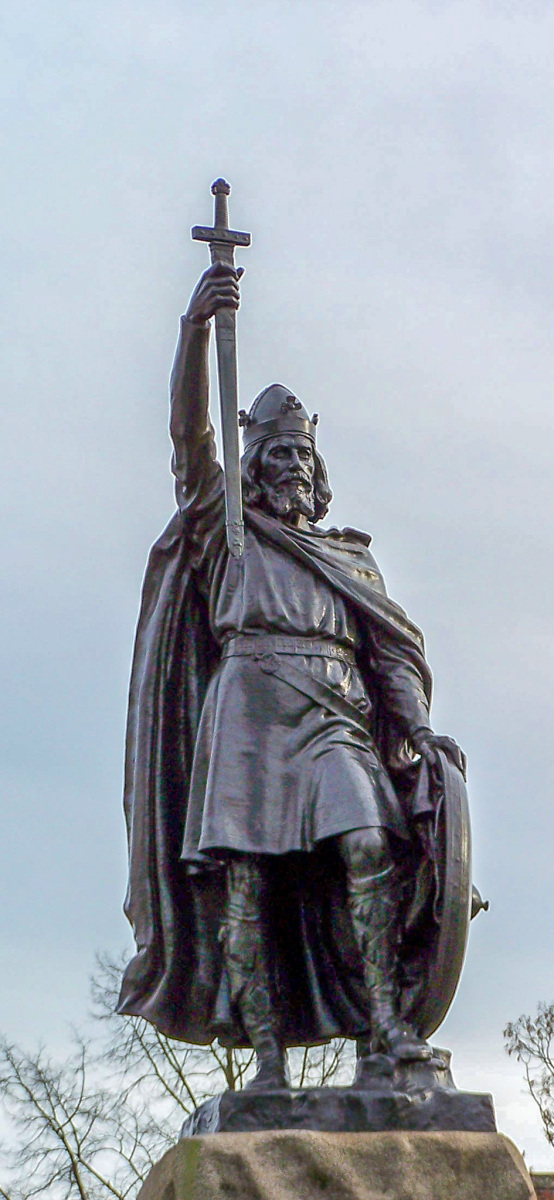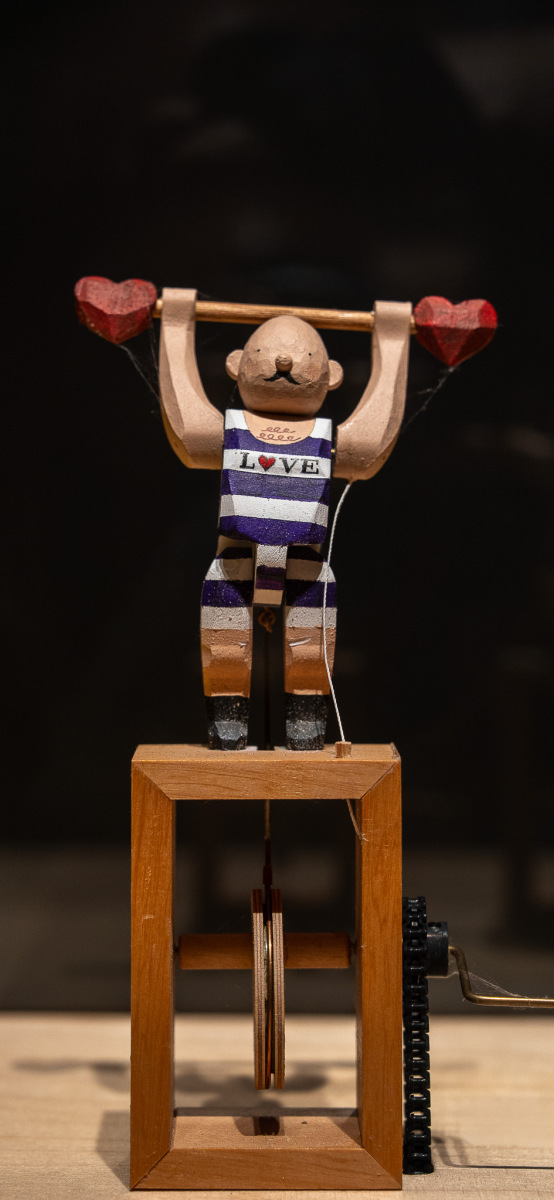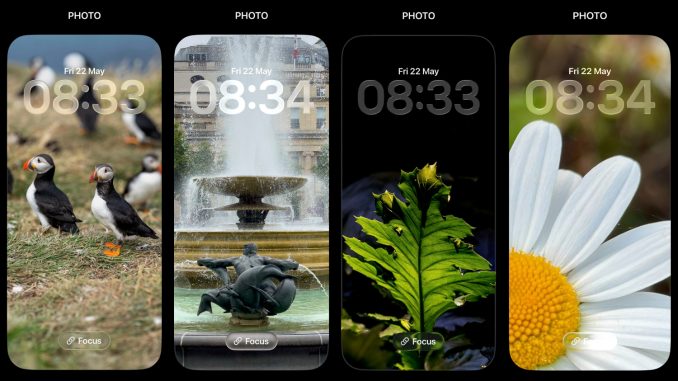
Screens dominate our visual landscape and beg for our attention. Wallpapers and lock screens pose particular photographic challenges. The extreme aspect ratio. The adaptive brightness. The digital furniture. The unpredictable modifications. The tiny viewing period. The utter lack of control by the photographer over the whole image that a person views. These working conditions challenge a novice photographer like me.
This photography gallery takes up the specific challenge of creating a good composition for use on the lock screen of my phone.
My technical constraint is an iPhone 14 Pro using iOS 26.4.2 in May 2026. This has a 6.1” screen, which provides 2556×1179-pixel resolution at 460 ppi. (Closest aspect ratio is 19.5:9, which has been a smartphone standard for iPhones series 13 through 16.) The physical frame size is 147.5 mm (5.81 inches) height x 71.5 mm (2.81 inches) wide.
The added complexity for composition is that lock screens are dynamic and they can be highly customised. iPhones using IOS higher than version 16 offer many customising options. (Or, search “Configure your phone lock screen”). As a preference, I reduce the number of widgets, and I turn off most notifications. The result is a particular type of canvas (Figure 1).
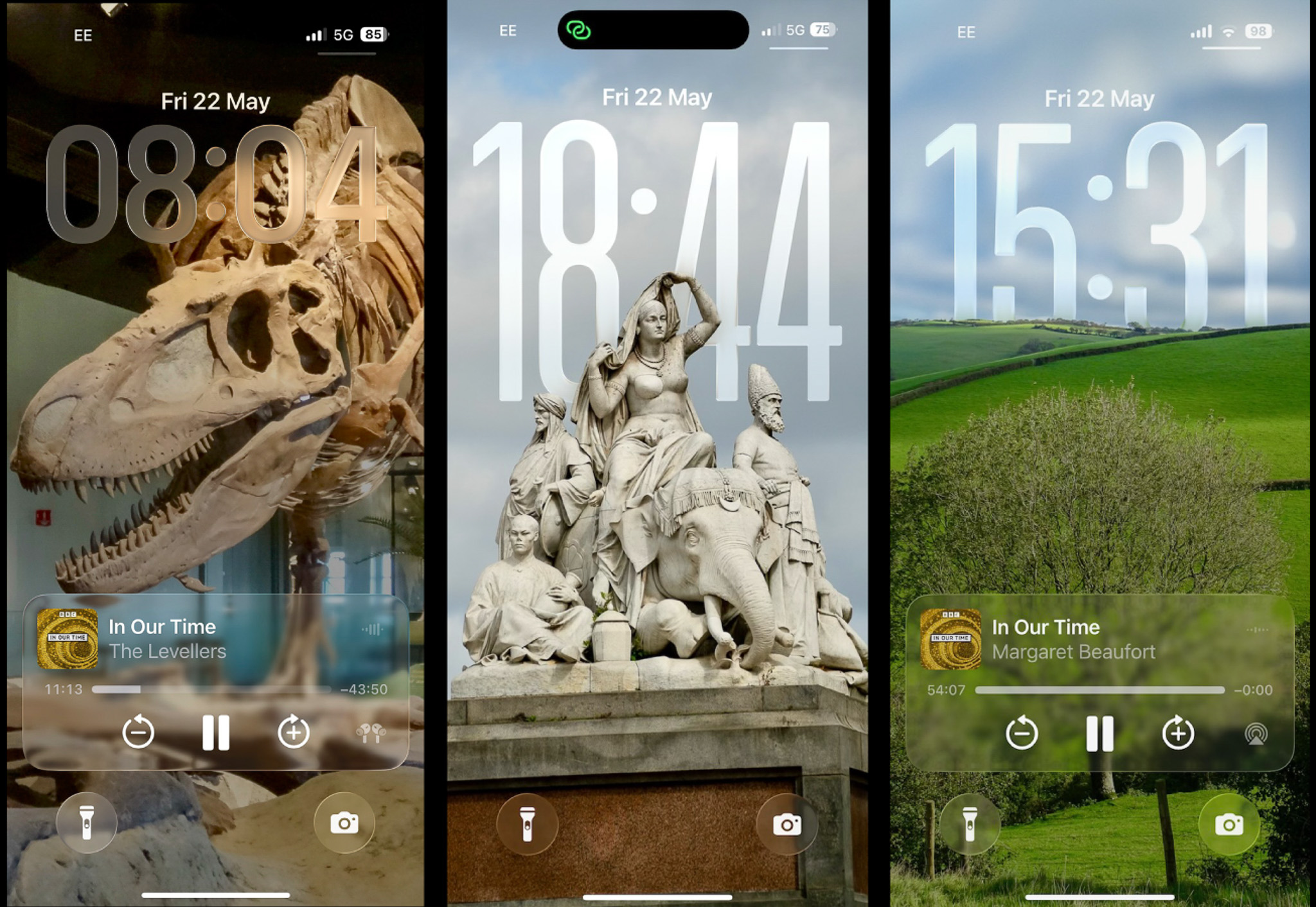
Photographer’s canvas
In daily use, I divide the lock screen canvas into thirds. The middle third tends to be widget-free. This is the main imaging space for my 19.5:9 compositions.
The top third is dynamic in my phone’s iOS. A digital clock dominates. Its size varies to cover 1/4 to 1/3 the total visual space. Transparency is about 40%. It’s hard to predict how large the digital clock will be on the screen, so much so that my working assumption is that it’ll dominate the top third of the screen and compositions need to work around it. Recent iOS updates sometimes move the digital clock between foreground and background, such as behind the peak of a mountain. This can benefit a composition, but it seems unpredictable.
The bottom third of the screen is dynamic, too. Digital furniture varies, but for me it most often displays an audio player widget and a few control buttons. Sometimes, notifications push up the space occupied by this row to 50% of the total screen real estate. These iOS elements are customisable, too.
Images can be set to cycle through a folder, with cycle time set to short (half-hour to hour change) or long (daily or weekly change) intervals. I like a random cycle the most, as it adds surprise when I turn to the screen.
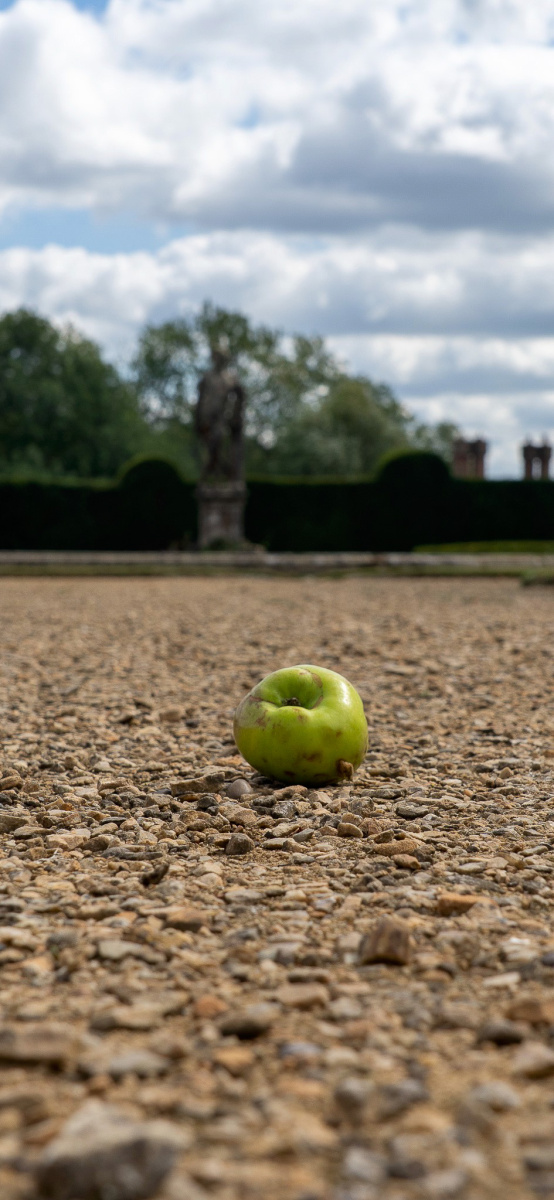
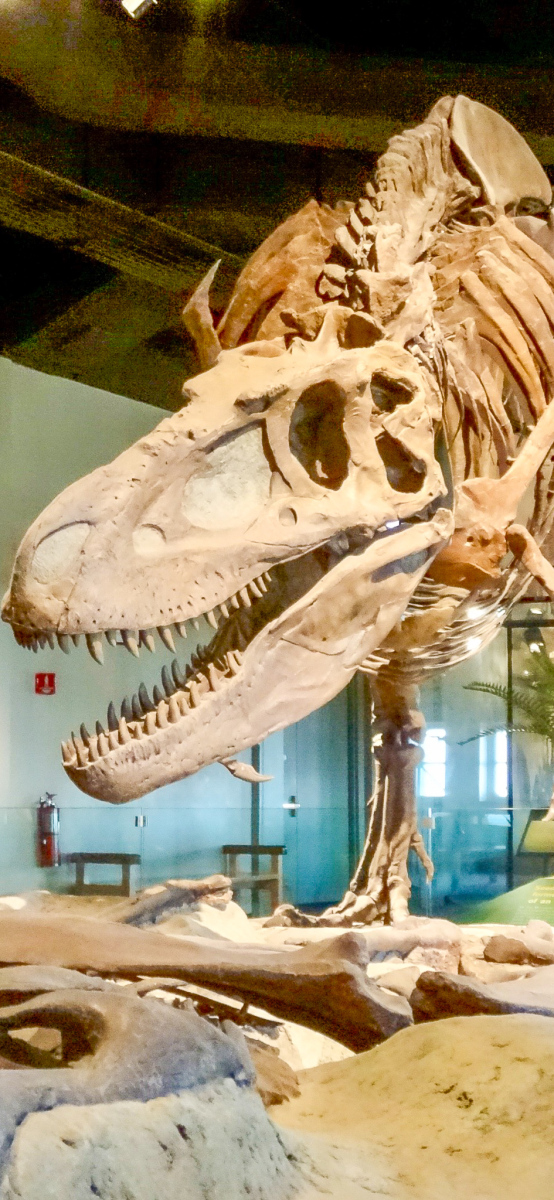
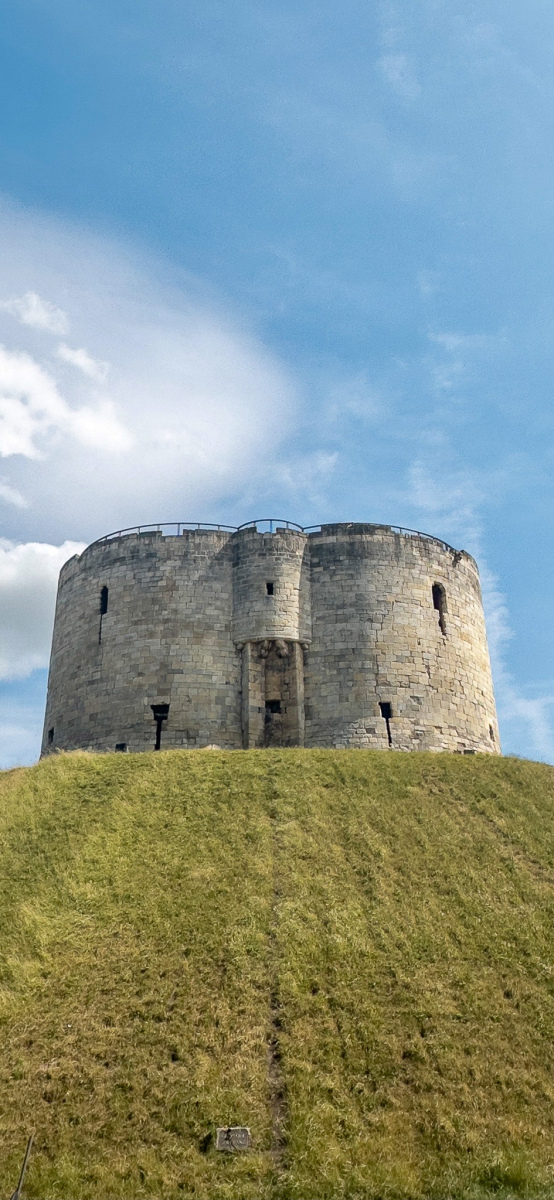
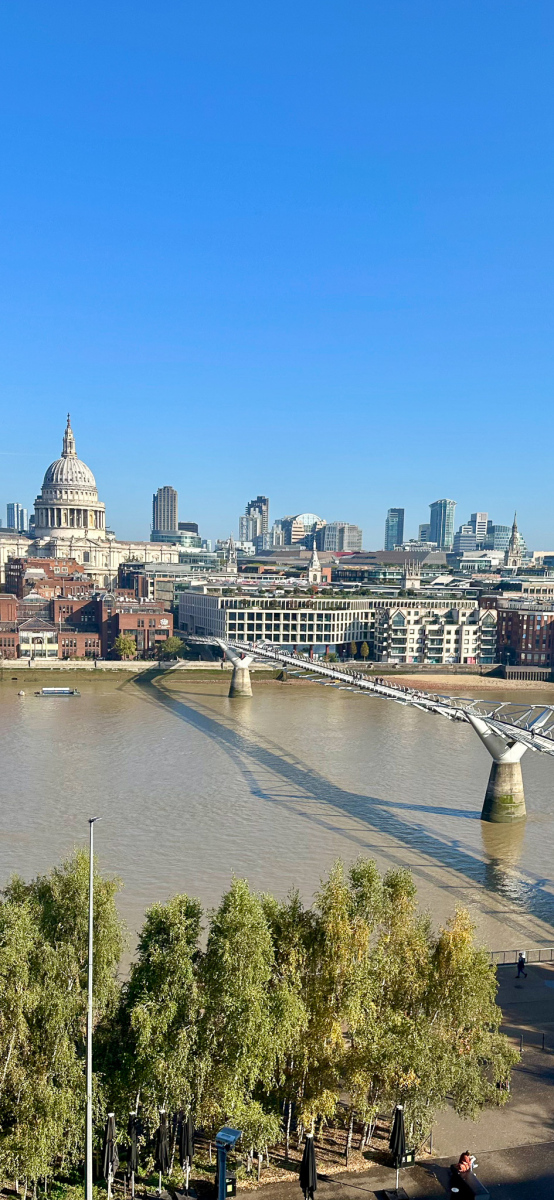
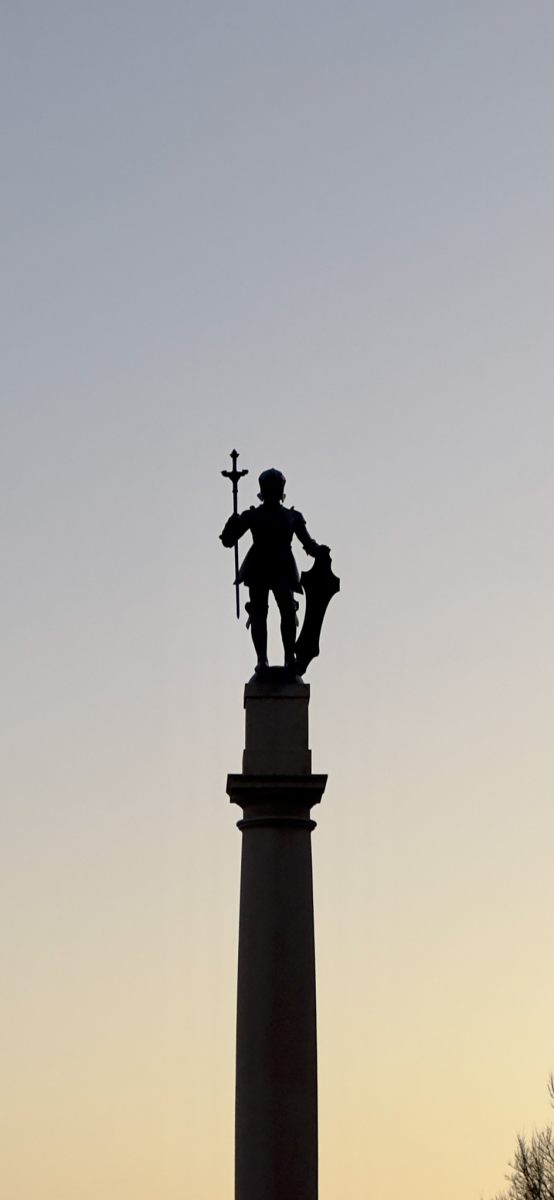
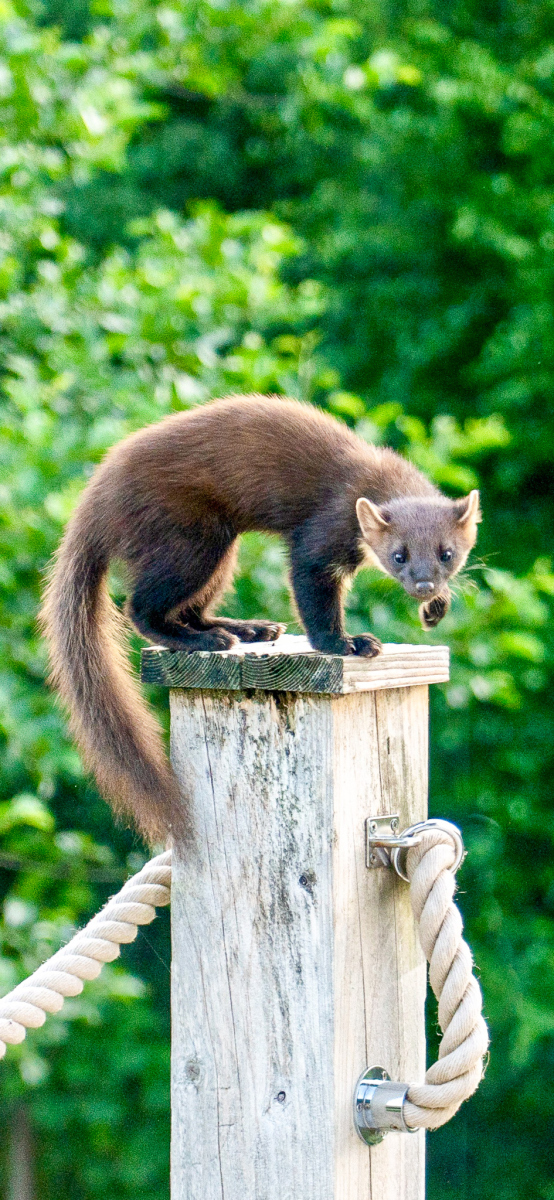
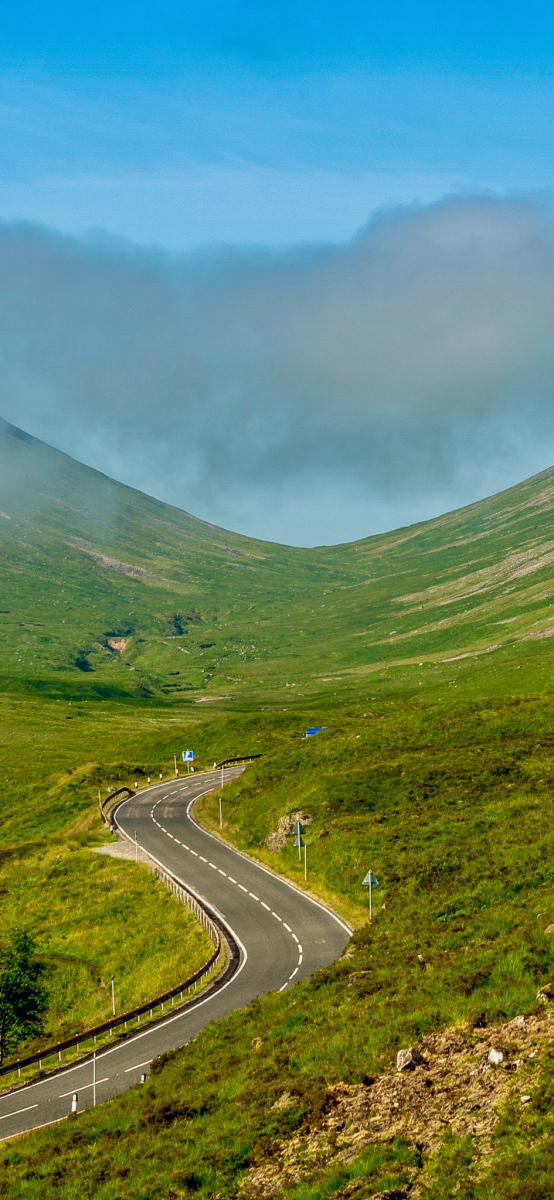
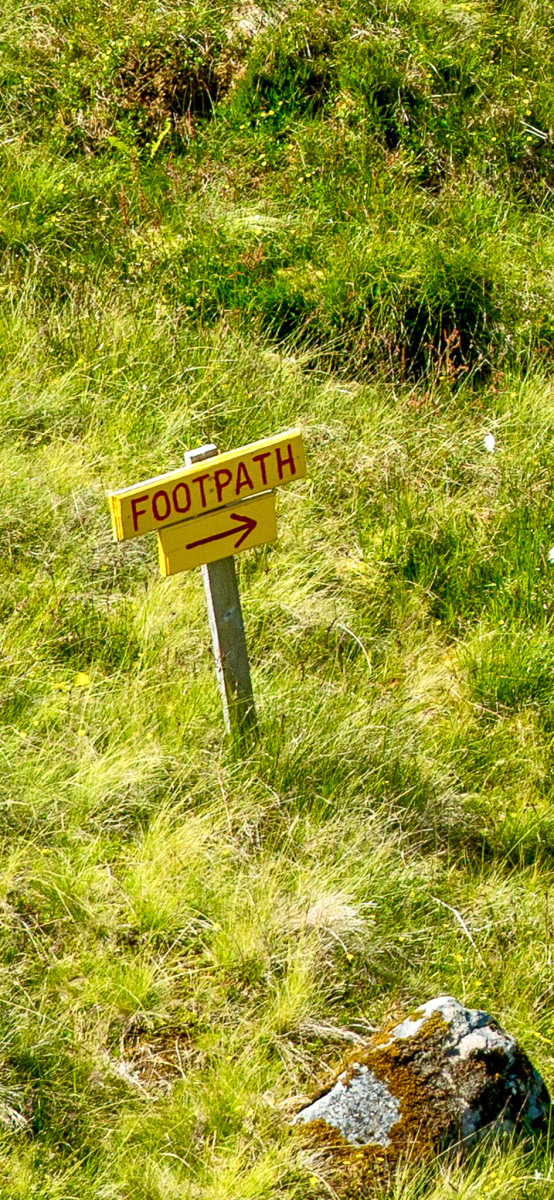
Some images in the gallery were created with the express intention of using them as a lock screen. Others arose in post-production, extracted from am image produced for another purpose. A few arose when I set the cropping tool to a 19.5:9 aspect ratio, then tried to “work the shot” to see if I could find something useable in archive material.
Lock Screen Gallery